Managing Data Sources
The cluster manager allows you to manage data sources within HEAT, which are managed entities that represent a storage location for information. Crucially, data sources don’t have to live within the HEAT ecosystem, but if the HEAT infrasutrcutre has access, you can configure HEAT to store the session data in that remote location.
Understanding Data Sources
Out of the box, HEAT ships with preconfigured sources for common assets, versioning repositories and session data if you don’t have an s3-based storage solution you wish to utilise.
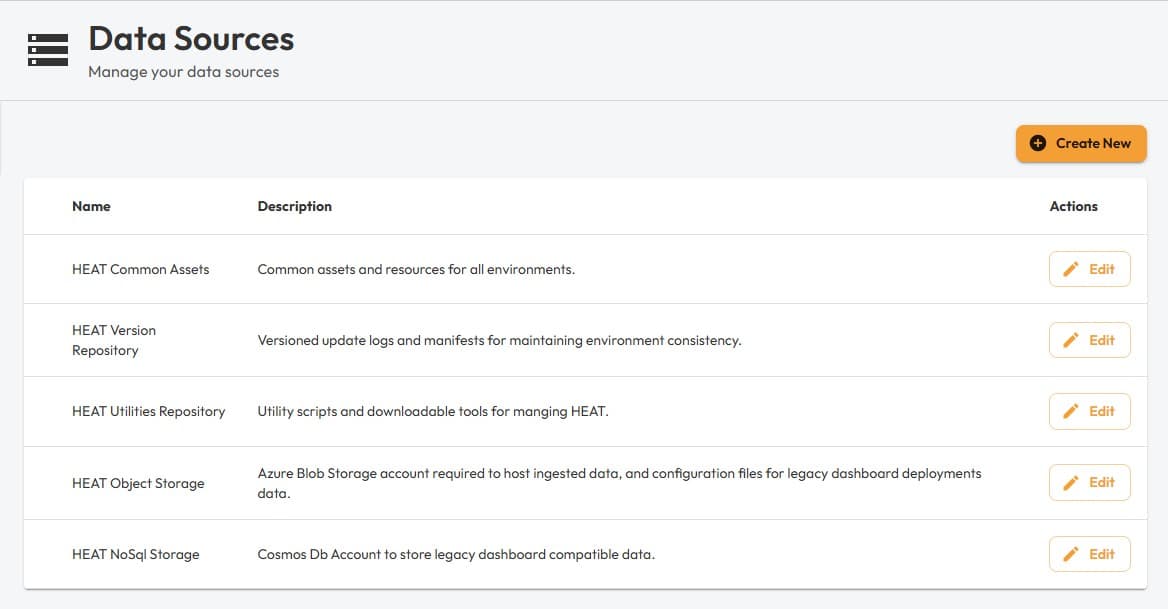
Once created, you won’t be able to see or edit the connection string used for the target data source, but you can edit the name.
Nodes within session templates can target specific data sources, when data is presented to HEAT, the system will orchestrate the storage of that data to the desired data source, which means HEAT only holds a record of where the data is and the context it was provided in. Processing elements downstream utilise the HEAT runtime to request access to the data source, which allows that code to temporarily read the data and also produce outputs that are stored in the desired data source.
You can for example, have a seperate data source for raw input data, intermediary data, and dashboard/insight data respectively, by configuring the target data source on any given template for those nodes.